Timeline-first logging

Track events. See how long ago. Set smart reminders.

Activity Logger helps you capture what happened, when it happened, and what to do next. Dark mode, local-first, Android.

Relative time | Cooldowns + reminders | Notes, photo, GPS | Categories & groups

App Screens

Real app-inspired preview screens showing the current product direction.

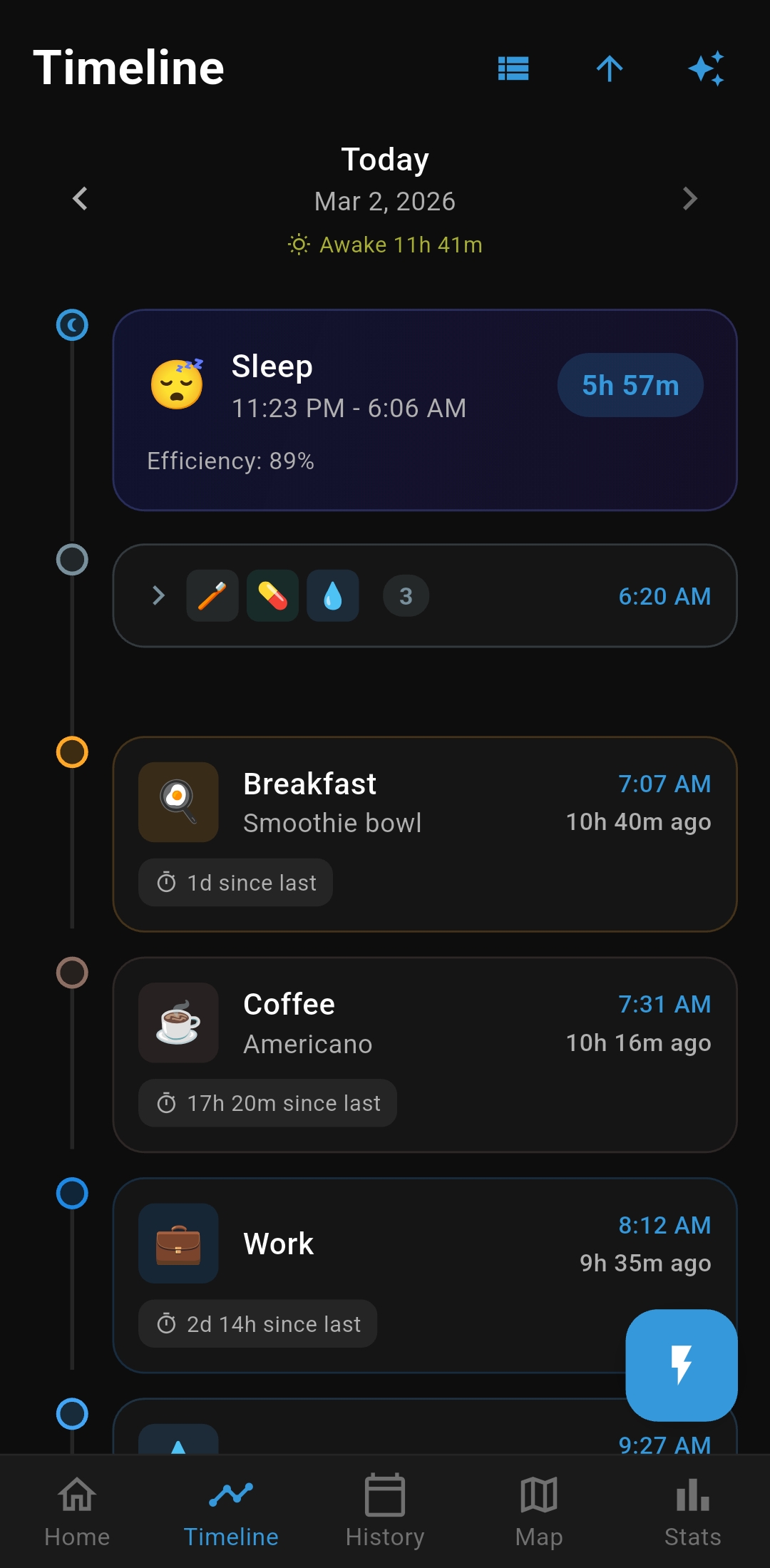
Timeline Today
🛏️ Sleep 11:30 PM – 8:44 AM 7h 8m
Awake 9h 49m
9:53 AM☕ Morning Drink8h 40m ago
10:08 AM⚡ Energy Drink8h 25m ago
10:10 AM💊 Vitamins + 🧠 Mind Eye8h 23m ago
12:50 PM🍽️ Meal5h 43m ago
4:19 PM🥗 Evening Meal2h 14m ago

Timeline Day Examples

Swipe between days with smooth animations. Toggle newest-first or oldest-first.

Share for AI Analysis

Export timeline ranges to your AI model through the native share sheet.

  • Today
  • Last 3 days
  • Last 7 days
  • Yesterday

Includes ordered entries plus optional notes, intensity, location, and sleep summary.

Rich Activity Entries

Each log can include context, not just time. Edit any entry after logging.

  • Text notes (with smart note suggestions)
  • Attached photo from camera or gallery
  • GPS coordinates and location name
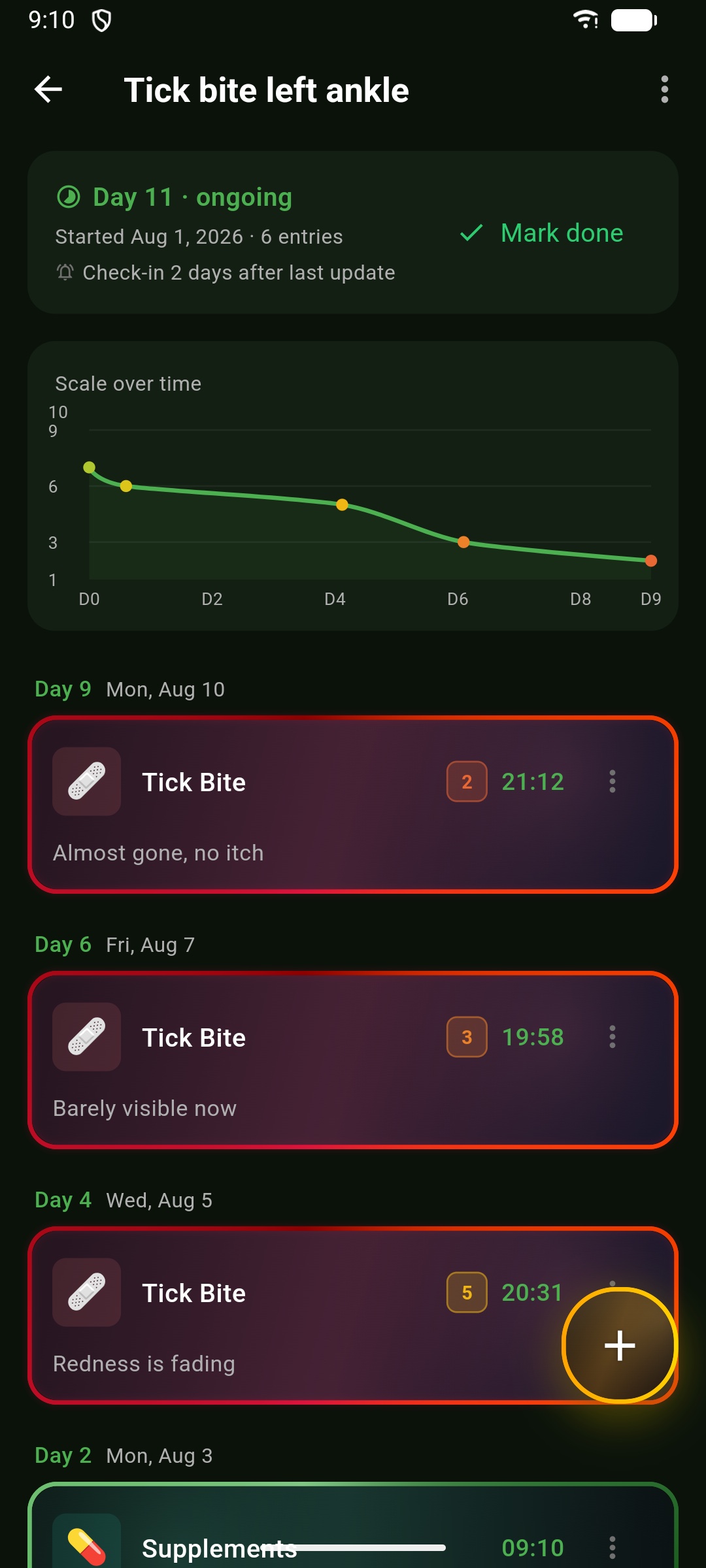
  • 1–10 intensity scale with color gradient
  • "Time since last" interval display

Awake Time in Timeline

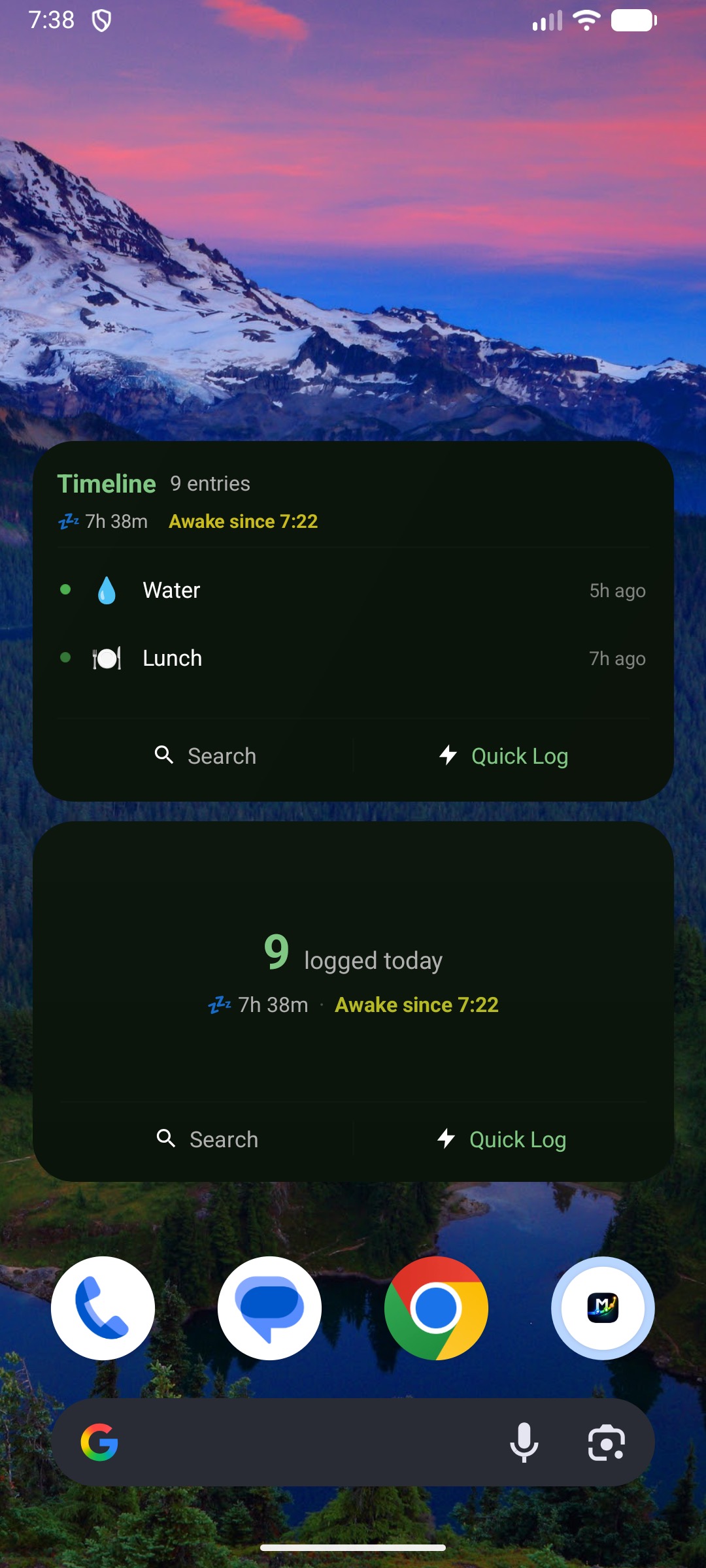
With sleep data from Health Connect, the timeline shows Awake Xh Ym under the selected day.

Per-Activity Controls

Configure each activity differently.

  • Track location (GPS coordinates when logging)
  • Show daily count badge
  • Suggest notes while logging
  • 1–10 intensity scale (pain, energy, focus, side effects)
  • Cooldown timer
  • Auto reminder (minutes, hours, days, or weeks)
  • Optional goal targets

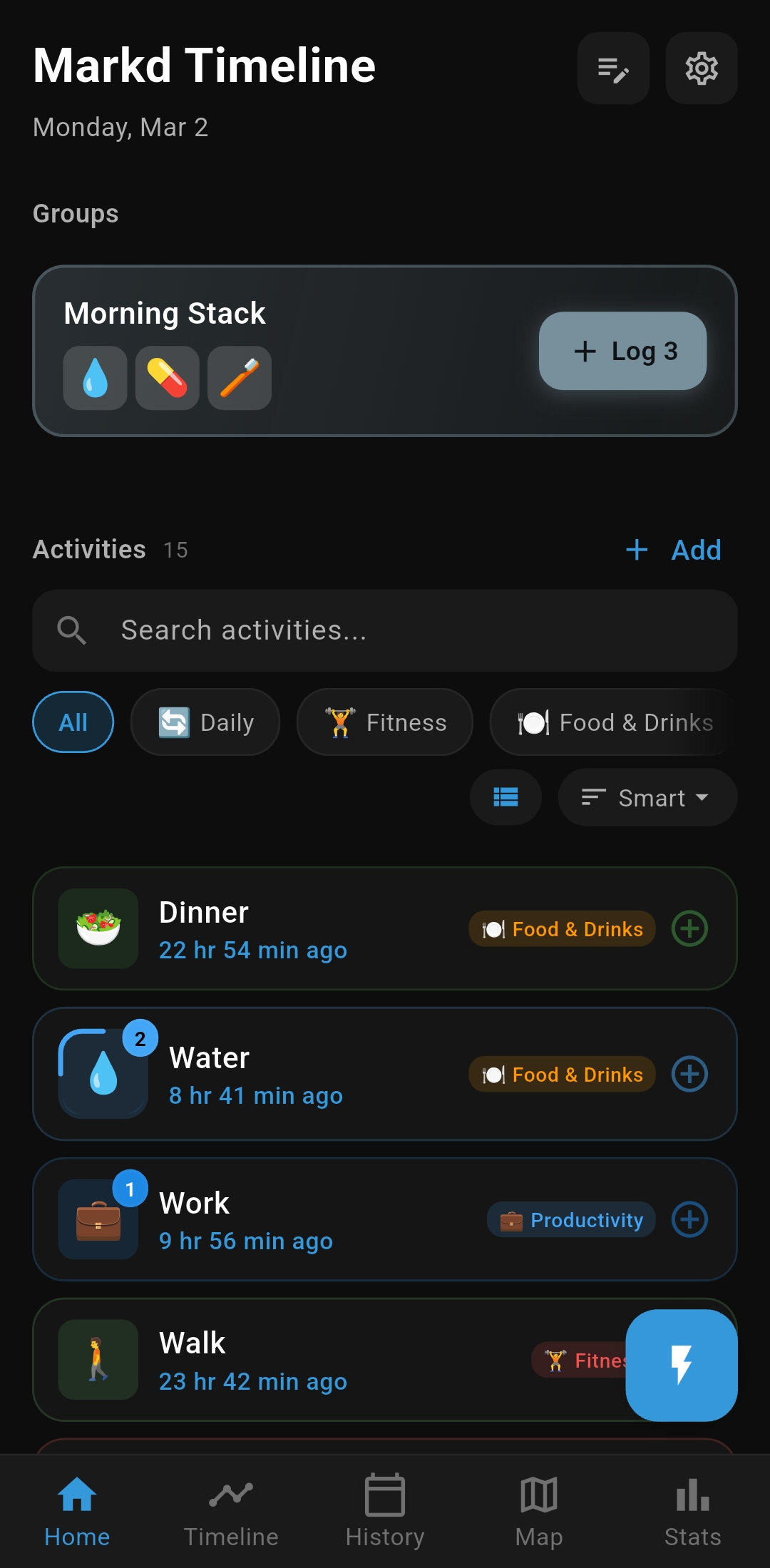
Quick Log & Groups

Fast workflows for common patterns.

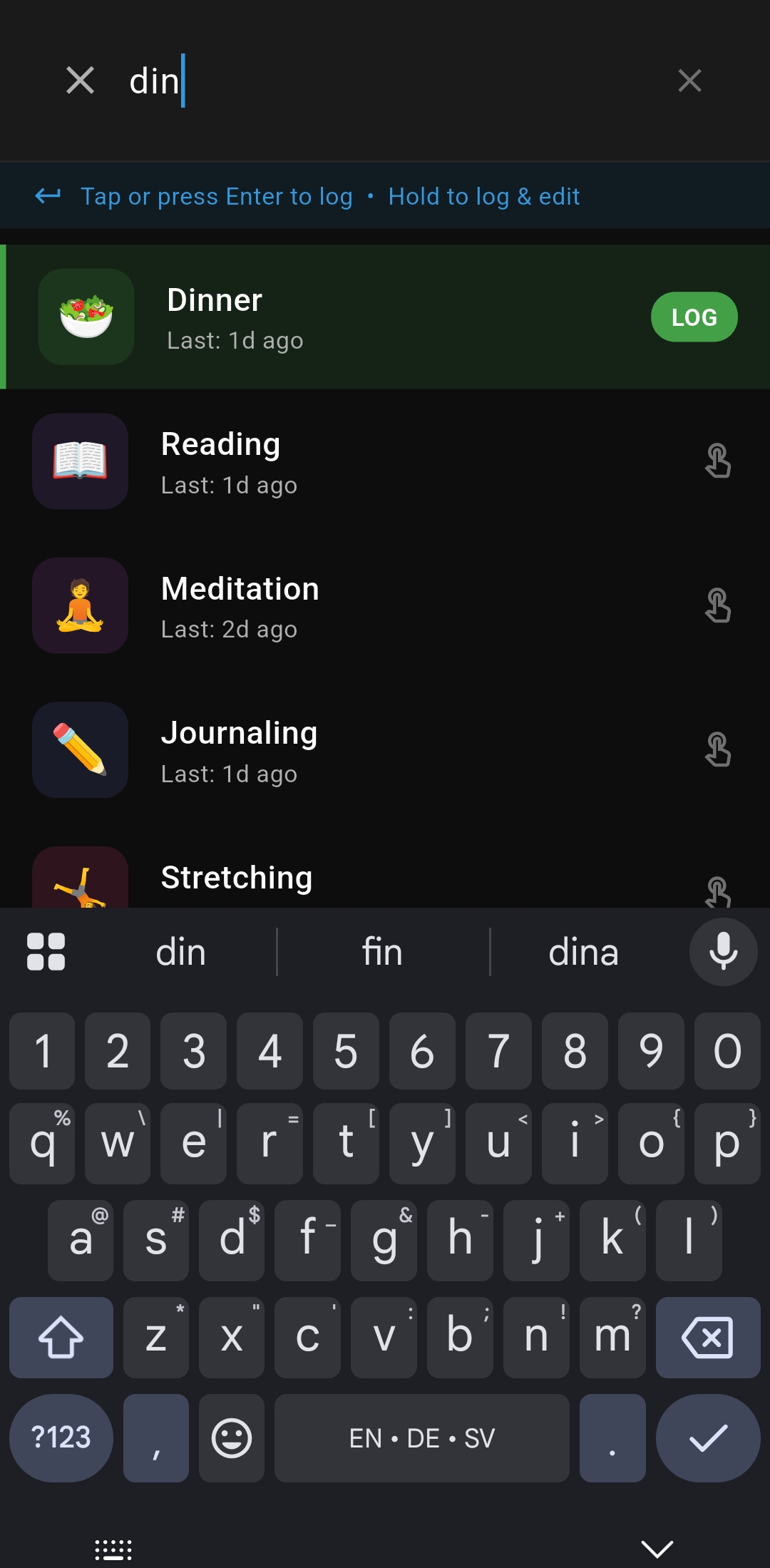
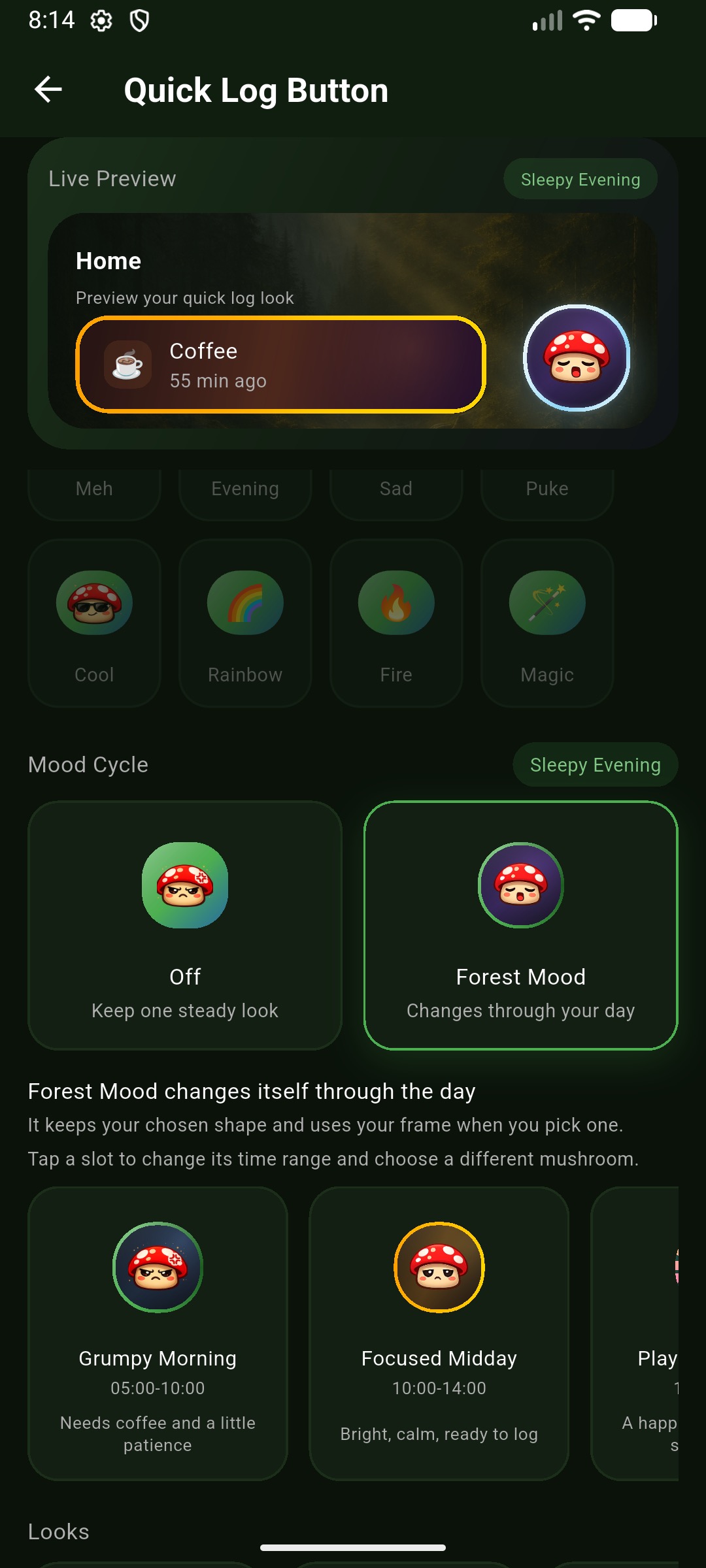
  • Quick Log — search and log instantly with one tap
  • Group logging — log multiple activities at once (e.g. morning routine)
  • Categories — organize activities and filter by category
  • Smart sorting — time-based, alphabetical, most used, recently used, or manual
  • List or grid — choose your home screen layout

Use Cases

MedicationLog doses + next reminder
CaffeineTrack timing and quantity
SymptomsUse notes + intensity scale
MaintenanceRecurring reminders (e.g. 2 weeks)
MealsPhoto, time, and notes
ExerciseGPS location + intensity

Entry Editing

Tap any entry to edit it after logging.

  • Adjust time with quick buttons (±5m, ±15m, ±1h) or pick exact time/date
  • Add or change notes, images, location
  • Set or update intensity scale value
  • See "time since last" for the same activity
  • Delete with undo
Timeline view with events and how long ago labels
Timeline-first logging, with context at a glance.
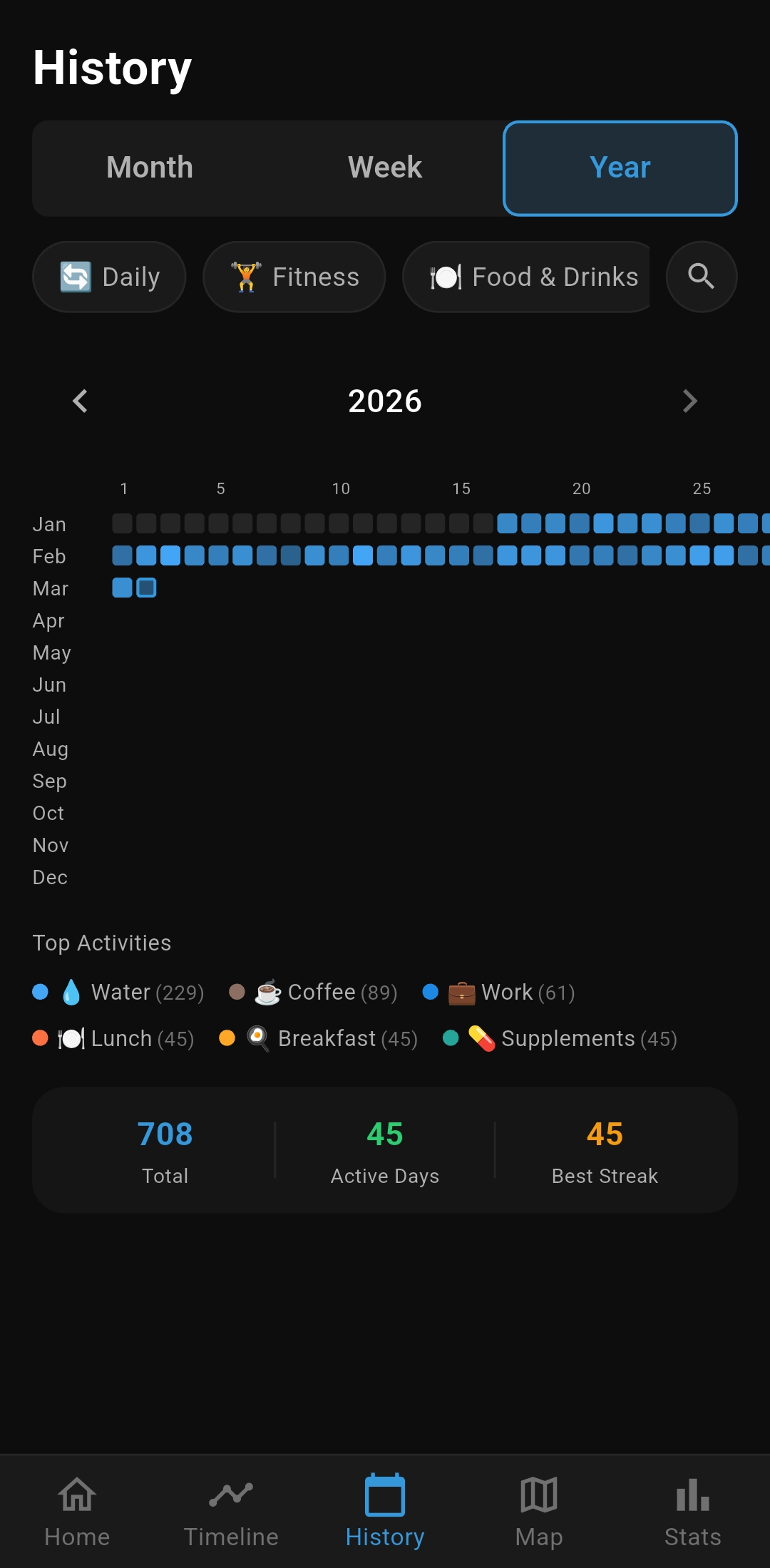
Recurring daily loop visualization
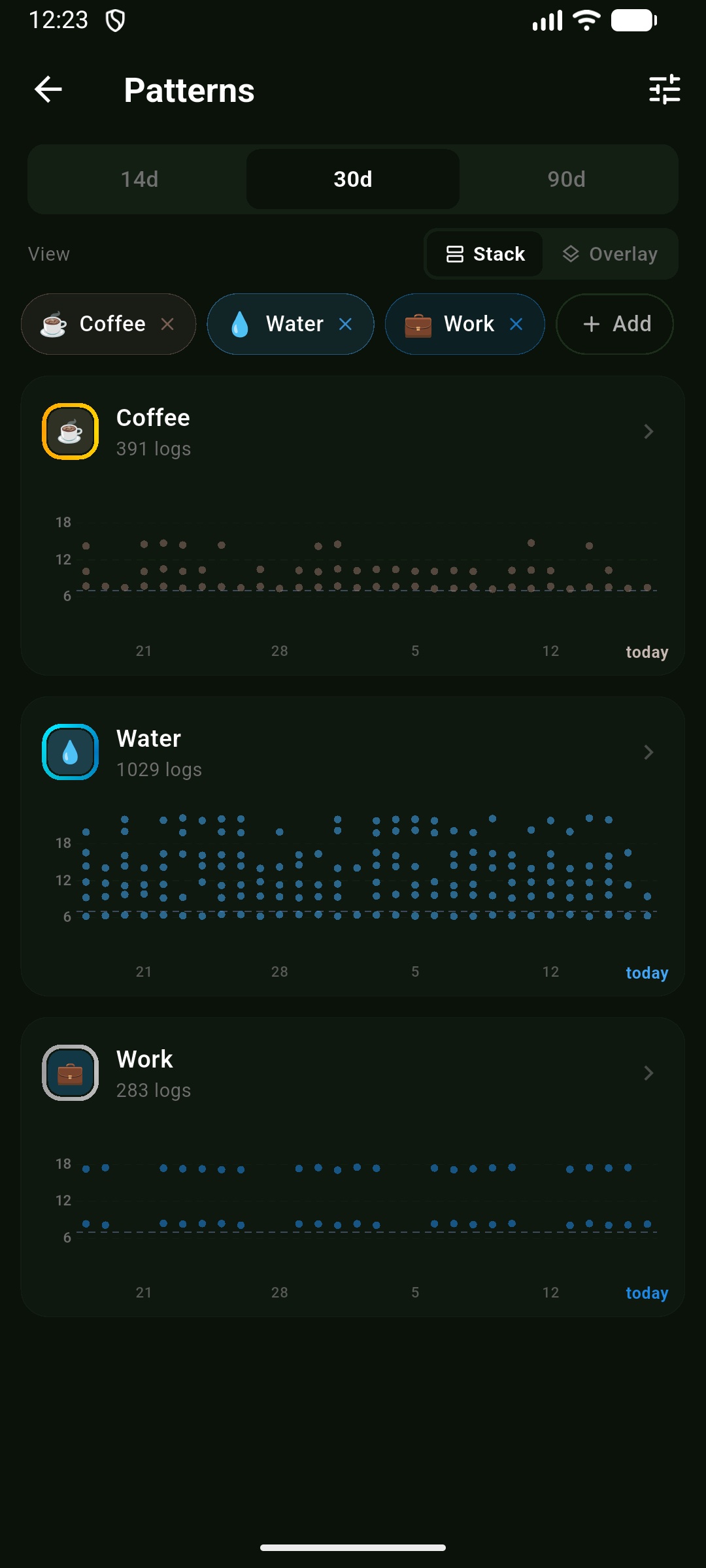
Notice repeating patterns before they run on autopilot.

Timeline-First by Design

Detailed and compact timeline views with day navigation. Focus on sequence, recency, and what happened last.

How-Long-Ago Context

Relative timestamps are built into entries and screens, so your memory has instant anchors.

Pattern Awareness

History, stats, and map views help surface loops, habits, and place-linked behavior.

Local-First + Portable

Data lives on-device with JSON backup, CSV export for spreadsheets, and AI-ready share when you choose.

Why This Exists

This app is built to log events on a timeline, then look back and see when things happened.

Use it to review patterns and answer practical recency questions quickly.